i3D
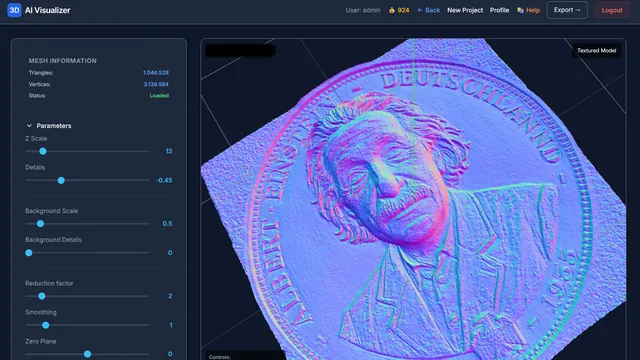
AI 3D relief generator: turn images or text prompts into CNC-ready reliefs.
- Image to relief
- Text to relief
- STL / GLB
CNC Design & 3D Relief Carving Software
Browser-based CNC design apps for makers and professionals: AI-powered 3D relief carving, toolpath generation, and CNC milling optimization. Open a tab and start—no install, no licence tied to one machine, no subscription.
A family of apps that covers the full cycle: AI generation, bitmaps, milling and final output.
AI 3D relief generator: turn images or text prompts into CNC-ready reliefs.
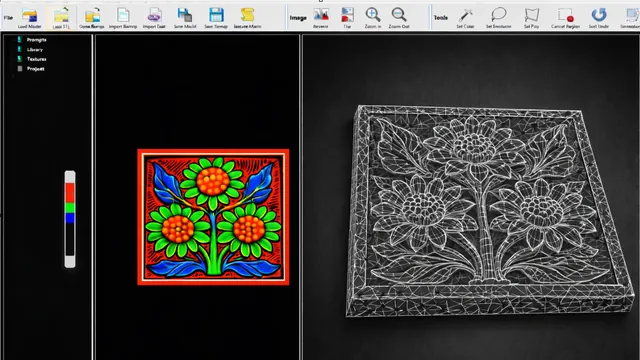
Layered bitmap and heightmap editing for relief and texture work, with batch export.
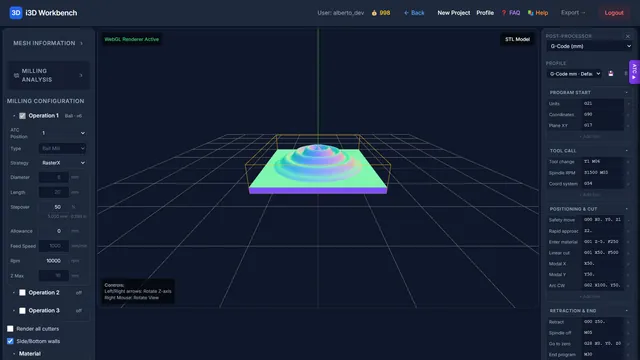
3-axis CNC milling toolpaths with rest milling visualization and standard G-code export.
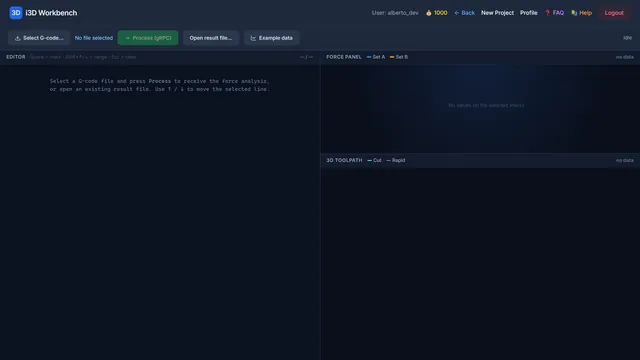
Force-based CNC optimization that dynamically adjusts feed rates to reduce cycle time, extend tool life, and improve machining efficiency.
10 browser tools for CNC milling, laser engraving, knife cutting and 3D relief (MillX is shown above) — real screenshots, v2026.10.
What is Ahaborg? Ahaborg develops the i3D Workbench, a browser-based digital-fabrication suite. It turns images, text prompts, probe scans, SVG drawings and STL models into CNC milling G-code (MillX), laser-engraving toolpaths (LaserX, LaserArt3D), tangential-knife cuts (OtkMaster), 3D relief meshes (Bitmap to 3D, Generate with AI) and food molds (Moldify). Computation runs on a C++ backend; you pay per use with credits.
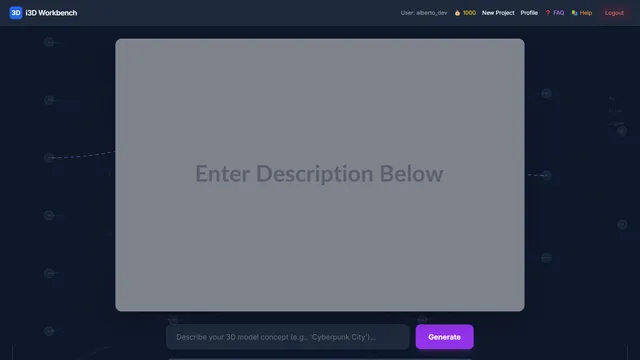
Create a 2D image from a text description using AI, then convert it to a 3D relief.
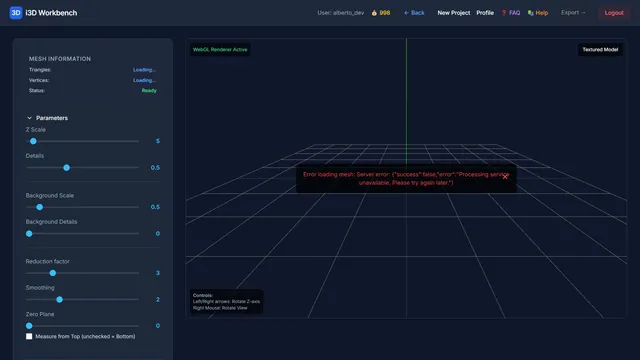
Upload a BMP or PNG image and convert brightness variations to a 3D relief mesh.
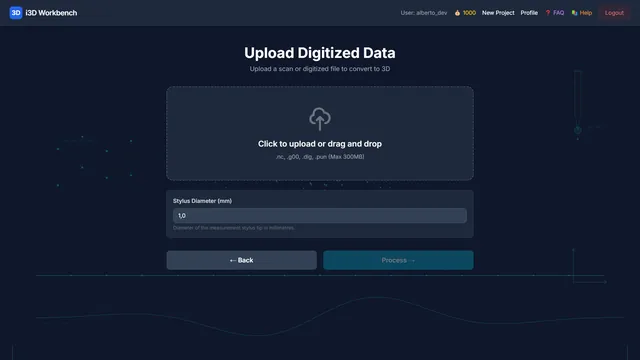
Import digitizer / probe scan files and convert them to a 3D mesh.
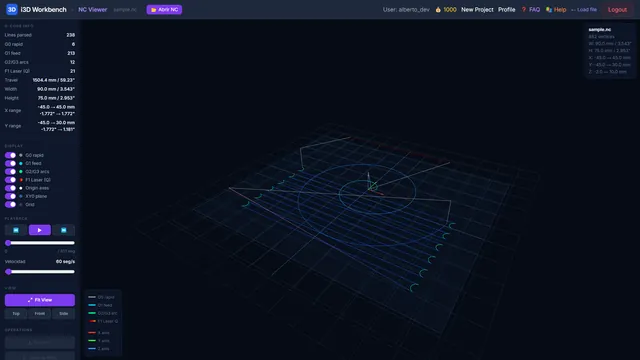
Visualize G-code toolpaths in 3D before sending them to a machine.
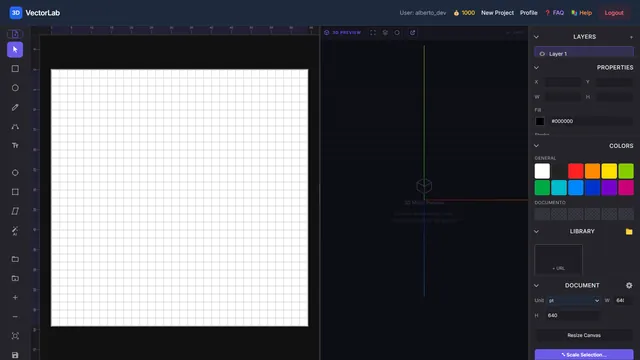
SVG vector editor with pan/zoom, shape tools, bitmap import and PLT export.
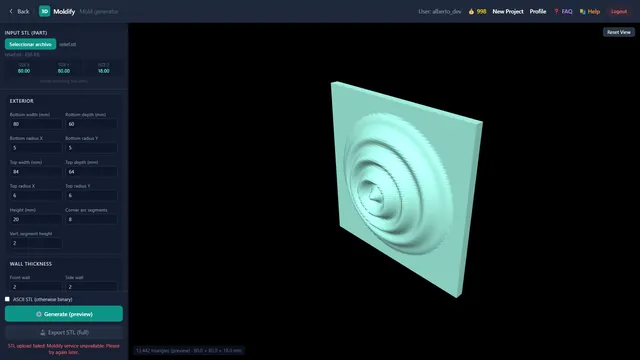
Parametric generator of safe, 3D-printable food molds — ice, chocolate, cookies and more.
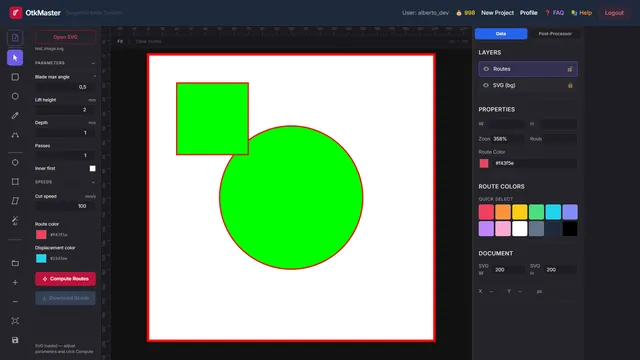
Tangential knife toolpath generator — computes optimized cut paths from SVG contours.
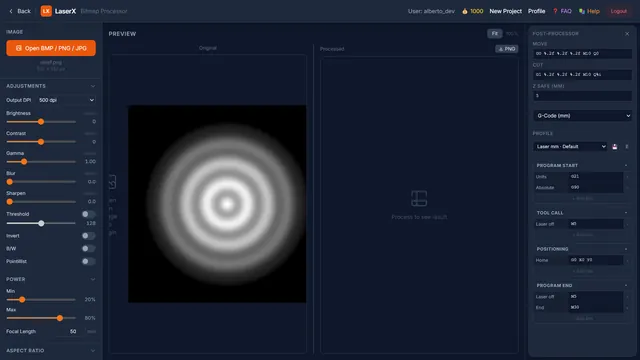
Bitmap processor for laser engraving — adjust image, set power and aspect ratio, export as laser toolpath.
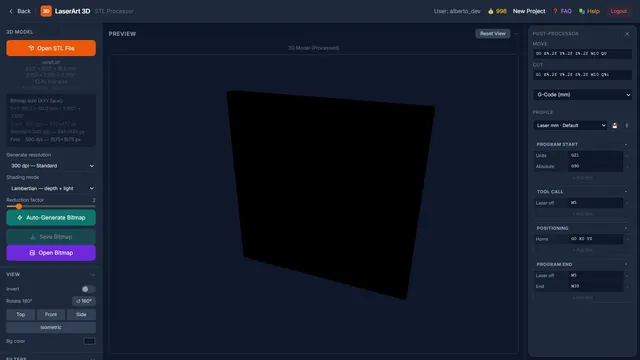
STL processor — render a 3D surface to a bitmap, then generate a laser engraving toolpath from it.
Ready-to-use apps that integrate with your workflow: standard formats and clean export.
STL/GLB/GLTF, PBR materials, and consistent metadata.
Tools to move from idea to result.
Batch exports, presets, scripts, and project templates.
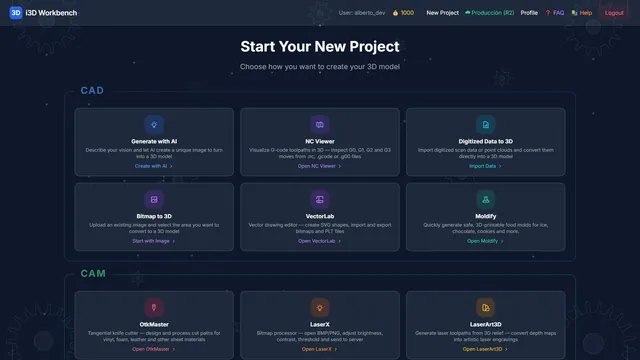
Select Mode: Input tools create geometry, CAM tools generate machine toolpaths.
No hardware lock-in. No OS restrictions. No licence tied to one machine.
Our apps run entirely through a web browser, which means they work on Windows, macOS, Linux, and tablets—with any GPU, integrated or discrete, from any vendor. There is nothing to install and no driver compatibility to worry about. More importantly, you are never tied to a single machine the way traditional per-seat licences force you to be: log in from the studio desktop in the morning, continue on a laptop at a client site, and finish on a tablet at home—all with the exact same tool, the exact same project, without carrying anything. You pay only for what you use, with no recurring subscription fees charged whether you work or not. That means a freelancer with one project per month and a team running jobs every day both pay a fair, proportional amount—and no one has to justify a standing cost to an accountant during a quiet quarter.
 Chrome
 Firefox
 Safari
 Edge
Edge Windows
 macOS
macOS Linux
Linux Android
 NVIDIA
 AMD
AMD Intel
IntelEverything you need to know before switching to Ahaborg CNC software.